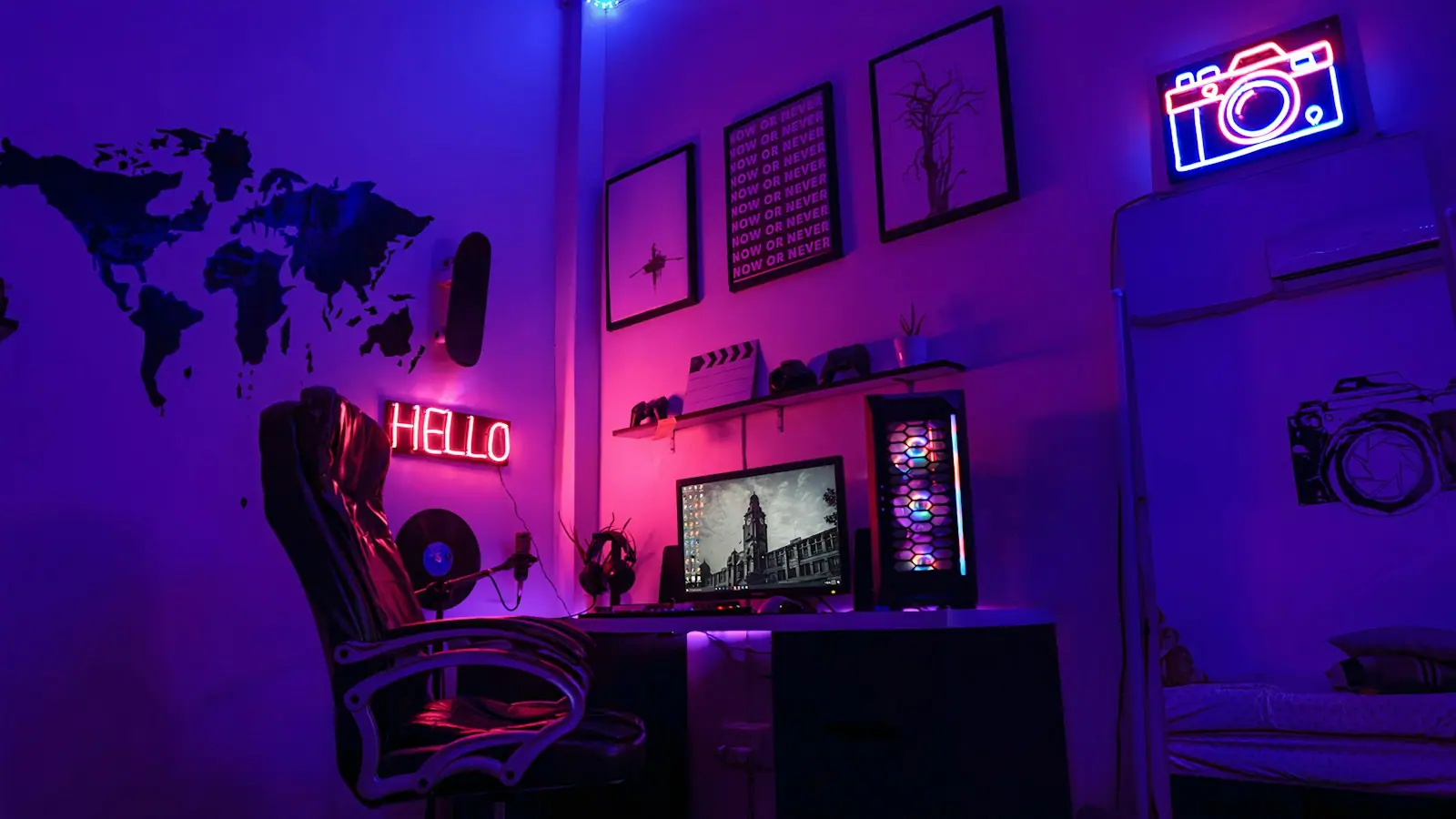
Gaming workspace (real-world photo, not from the game) · Chuck Fortner / Unsplash
Platforms & tech
GTA 6 Best Settings for PS5, PS5 Pro and Xbox
The GTA 6 settings worth changing on PS5, PS5 Pro and Xbox Series X|S: motion blur, HDR, camera shake and TV options — and why 60 FPS isn't one.
Quick answer
GTA 6 has no performance or 60 FPS mode on console; it targets 30 FPS. The settings guides agree on most: lower Motion Blur Strength (to 0 or 1), turn off Camera Shake, calibrate HDR if your TV supports it, and use your TV's Game Mode.
On this page
Grand Theft Auto VI has no performance or 60 FPS mode on console. It targets 30 FPS, and guides report dips in heavy action on base PS5 and Xbox Series S.
In-game settings
| Setting | Suggested value |
|---|---|
| Motion Blur Strength | 0 or 1 |
| Camera Shake | Off |
| HDR | On if your TV supports it, then run the calibration |
| Brightness Reduction | Off to start with |
| Minimap and Compass | Dynamic |
| Subtitles | On |
| Flashbang | Dark, if white flashes bother you |
One guide's "performance" list suggests turning HDR off, so treat HDR as a matter of taste.
Console and TV
- Set HDR on and calibrate it: Adjust HDR on PS5, Calibrate HDR for Games on Xbox.
- Use your TV's Game Mode and turn off motion smoothing (TruMotion, Motion Plus, Motionflow).
- Leaving 120 Hz on makes no difference at 30 FPS.
PS5 Pro
Ray-traced shadows are only on PS5 Pro. For PSSR, one guide says it applies automatically and another says to switch on Enhance PSSR Image Quality in the console menu. More in our platforms guide.
Frequently asked questions
Does GTA 6 have a performance mode?
No. The guides we read agree that there is no selectable performance or 60 FPS mode on console. The game targets 30 FPS, with drops reported in heavy action.
What should I set motion blur to in GTA 6?
Low. Recommendations range from 0 to 1 for Motion Blur Strength.
Does PS5 Pro need any settings?
Ray-traced shadows are only on PS5 Pro. Guides disagree on PSSR: one says it applies automatically, another says to turn on the console's Enhance PSSR Image Quality option.
Sources
- PressBest GTA 6 settings to change first — KeenGamer, accessed
- PressBest GTA 6 Graphics Settings — Beebom, accessed
- PressGTA 6 best graphics settings — games.gg, accessed
Related on Vice City Hub
Guide
GTA 6 Platforms: PS5, PS5 Pro, Xbox Series X|S, Cloud and PC
Which consoles run GTA 6, the 30 fps target, PS5 Pro PSSR and ray-traced shadows, Xbox Cloud Gaming on Xbox One, Remote Play, PS4 and PC status.
Guide
GTA 6 Beginner Tips: 15 Things to Know Before You Play
The GTA 6 beginner tips that matter: banking your cash, Focus Mode, how heat and wanted levels work, stealing cars, Jason and Lucia, stats and travel.
Guide
GTA 6 File Size and Storage: How Much Space You Need on PS5 and Xbox
GTA 6 needs up to 212 GB. How to make room, which SSDs work in a PS5, the Xbox Storage Expansion Card, and why a USB drive won't run the game.
Guide
GTA 6 Crashing or Not Working? Known Bugs and Fixes on PS5 and Xbox
Fixes for GTA 6 problems on PS5 and Xbox: crashes, the padlock, PSN sign-in errors, stuck downloads, error codes and lost progress.